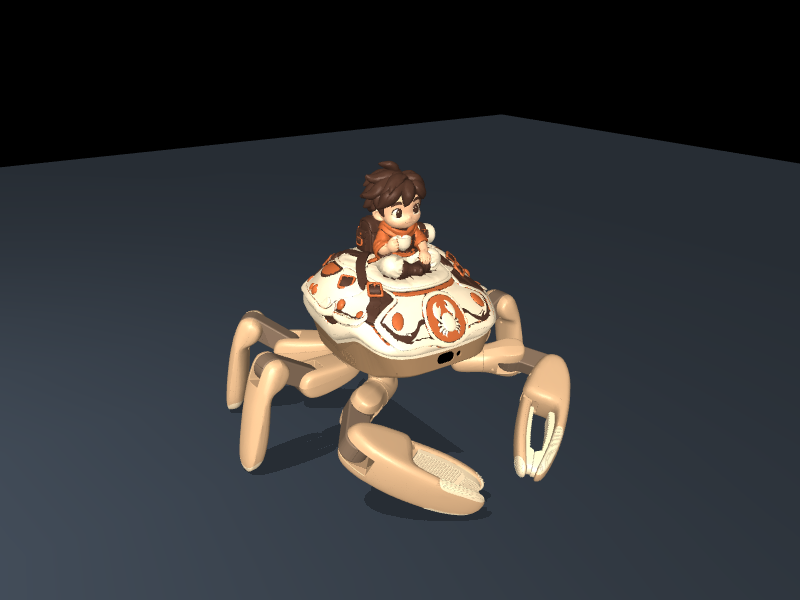
Change the look
.skinDesign a warm sand ranger appearance for Jumper with coordinated body and limb colors, then export a .skin.
A 22-servo crab robot that walks, turns, jumps, dances and grabs, with its CAD, motions and training code public. This page takes it apart using those files, then shows every way to play.
Drag to orbit, scroll to zoom, click a part to see what it is.
Specs: kingkong.tech/en/jumper (subject to official product documentation).
Each part in the exploded view slides away along the line that joins it to its neighbour, so the gaps show exactly where things connect. The rings mark the 22 revolute joints: their size is the TS20 servo's 20 mm diameter, their direction the joint axis.
| Main SoC | Rockchip RK3576 |
| CPU | 4×A72 + 4×A53 |
| NPU | 6 TOPS INT8 |
| Memory / storage | 4 GB / 64 GB |
| Eyes | 2 × 0.9″ round TFT |
| Depth | dToF 54×42 · 5 cm–8.8 m |
| Camera | 5 MP · 162.2° diag. |
| Battery | 25.2 V · 3000 mAh |
The published CAD models the chassis as a shell, so the electronics are not drawn.
| Joint | Role | Range (left arm) |
|---|
Shoulder yaw, shoulder pitch, elbow, wrist, gripper. Right-arm ranges are mirrored.
| Joint | Role | Range (LM leg) |
|---|
2 × 5 + 4 × 3 = 22 joints, one servo each. The four foot tips and the rear pads of both claws are the six contact points.
Behind the shell are three layers: a main computer that sees and decides, a motor controller that keeps balance and talks to the joints, and 22 servos that each run their own force-and-position loop. The main board never drives a motor directly.
Reports back each joint's position, speed, torque, temperatures and status.
Each one closes its own force loop, so it is backdrivable and can feel pushes.
Gamepad input arrives and the motion sensor reports the body's tilt.
The neural policy for the current mode runs on the NPU: 200 Hz for walking and jumping, 50 Hz for claws, dances and gestures.
Joint targets go to the motor controller a thousand times a second, smoothed between decisions.
The bus carries each servo its target and gains; replies bring back what the joint is doing.
Each servo turns target, stiffness and damping into torque on its own.
Not published: the wireless chip, the motor controller's chip, and how the 22 servos are split across bus lines (one bus line addresses 16 servo IDs, so at least two lines are likely). KingKong also notes that running the policies on the robot itself is not verified yet in the open-source release.
Every joint runs a TS20: a permanent-magnet synchronous motor, reducer, dual encoders and driver in a 20 mm can. It is backdrivable, so the robot can feel force. Jumper's training config uses the 50:1 variant.
KingKong's published 3D model shows the housing and connector pins only, so no internals are shown.
| Datasheet v0.1 | TS20-50 | TS20-100 |
|---|---|---|
| Gear ratio | 50 | 100 |
| Rated torque | 0.7 N·m | 1.5 N·m |
| Peak torque | 2 N·m @ 300 ms | 4 N·m @ 300 ms |
| No-load speed | 31.4 rad/s | 15.7 rad/s |
| Backlash | < 20″ | < 20″ |
| Encoders | dual 24-bit | dual 24-bit |
| Size · bore | Ø20 × 35 mm · Ø1.7 | same |
| Weight · voltage | 35 g · 24 V DC | same |
| Bus | RS485 · 7.5 Mbps · 8N1 | same |
Each 16-byte command sets Kp, θ, τ, ω and Kd, protected by a CRC16-CCITT. Downloads on kingkong.tech/en/servo: datasheet (PDF) · 3D model (STEP).
Open the simulator on the official Jumper page. You need nothing installed: the trained policies run in the browser, on the same robot model.
Go to kingkong.tech/en/jumper and scroll to Try it out. Make Jumper move. Loading takes a moment, because the policies and motions are about 15 MB.
Jumper finds its own path around obstacles. On a phone, tap. The buttons below the stage run dances and actions: Brazilian, Crab, Dream wings, Maze, Bow, Wave, Paw, Salute, Jump, Stop.
Click the stage first so it has focus. A held key pushes harder the longer you hold it (full after 2 s) and releases when you let go.
This is the official key map. V and B switch the left or right claw on and off; in a claw mode, Space closes the claw, and Shift, Alt or Ctrl hold the arm out. A gamepad works too: left stick walks, right stick turns, A jumps, the D-pad plays gestures and Menu + D-pad plays dances.
These are KingKong's official reference motions; body height is approximated. The real simulator runs the trained policies with physics, and walking is only available there.
Open github.com/KingKongRobotics/jumper in an AI coding assistant and ask for one of three things. Looks and scenes are built with the companion jumper-design repo; motions are trained here.
Design a warm sand ranger appearance for Jumper with coordinated body and limb colors, then export a .skin.
Train a stable tripod gait for Jumper, replay and evaluate the result, then package it as an .app.
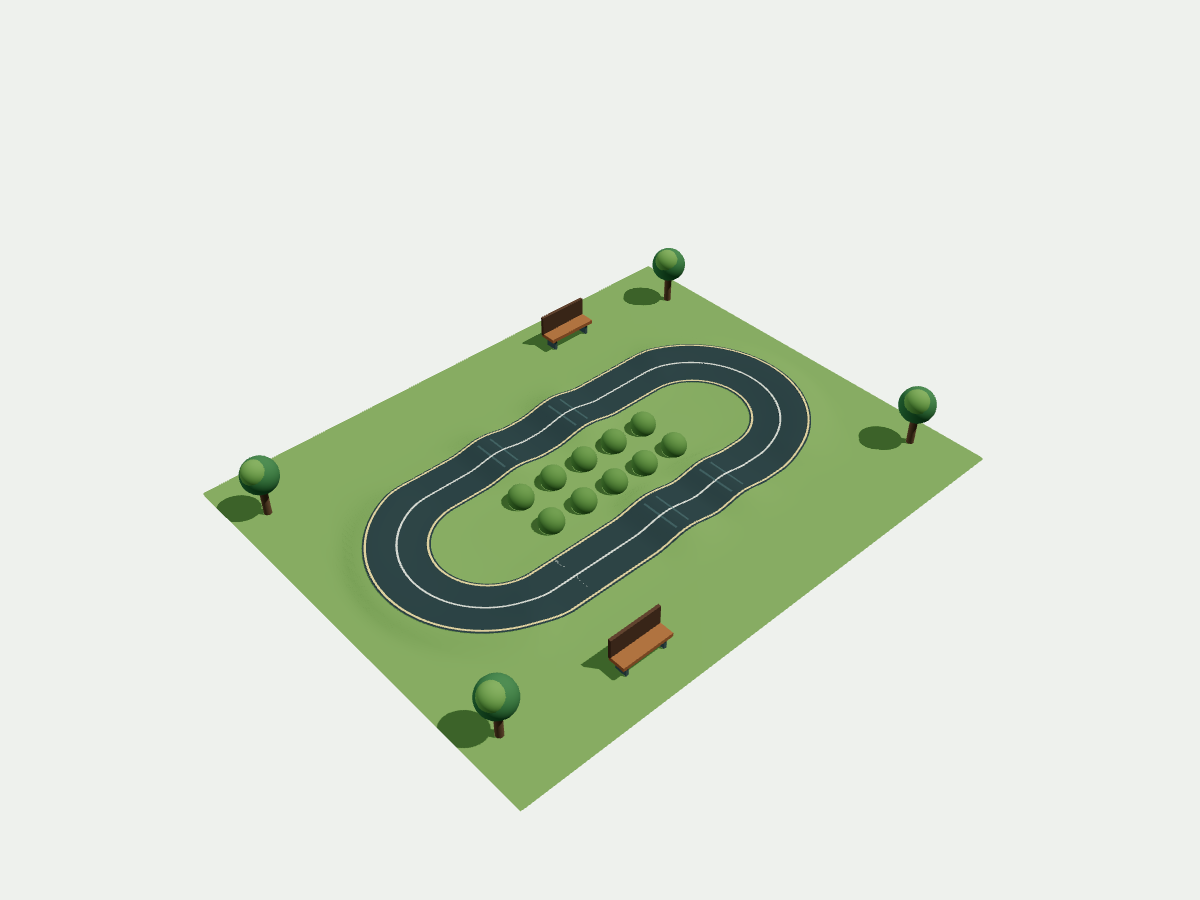
Create a park pump-track scene for Jumper with rolling terrain, trees and benches, then export a .map.
Current limits per the project guide: skins are display-only, imported maps work in replay but not training, and training has no .skin loader.
The project notes that running trained policies on the robot itself is not verified yet.
KingKong is giving away 100 Jumpers to the best open-source creations, chosen over 3–4 selection rounds. Excelling in any one of looks, playfulness or usefulness is enough; strength in several earns extra credit.
Jumper robots for 100 outstanding open-source projects. Winners are listed on kingkong.tech, with 3–5 business days for objections.
Post a video longer than 15 seconds on X or YouTube showing your idea, your debugging, even funny setbacks:
Mention @KingKong Robotics. In China: Douyin with #螃蟹机器人开源动作大赛 #螃蟹机器人, mentioning @梁不歪 and @金钢科技.
| Audience response | 60 % |
| Expert review | 40 % |
| Dimensions | Beautiful · Playful · Useful |
Rules: beunlimited.me/events/crab-robot-challenge-2026 · questions: hello@beunlimited.me
The same story in motion: inside the robot, the servo, and every way to play.
This page is an unofficial explainer. Jumper, TS20 and the challenge belong to KingKong (Beijing King Kong Technology Co., Ltd.); check the official pages for current details.