Pick a board
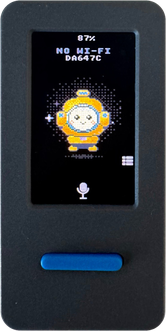
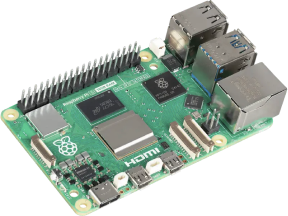
An ESP32 board for screens, buttons and audio, or a spare Raspberry Pi for commands, files and Home Assistant.
 workbench
 desk
 home Wi-Fi
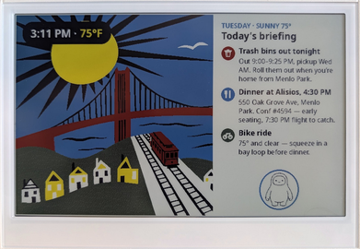 kitchen wall
keychain
Muse Gadgets is open source hardware for your Muse. Build one on an ESP32 board or a Raspberry Pi, and Muse can reach your screens, buttons, speakers and sensors.
In the film
Muse Gadgets
Muse already gets things done on your phone and in the cloud. A gadget lets it reach the physical world, on hardware you choose and code you can read.
An ESP32 board for screens, buttons and audio, or a spare Raspberry Pi for commands, files and Home Assistant.
Flash the open source firmware or run one install script. Then add it in the Muse app under Settings › Devices.
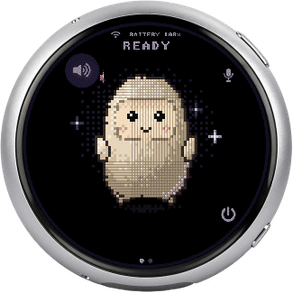
Muse shows things on your screens, listens on your mics, and reads your sensors.
One we made
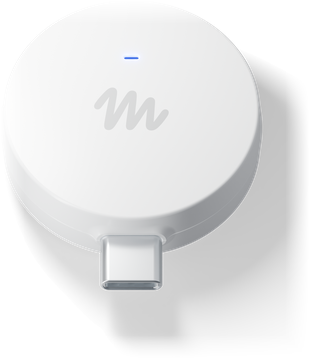
A tiny USB gadget that sits on your home Wi-Fi, so Muse can reach the devices you already own, or anything you build with a local HTTP API.
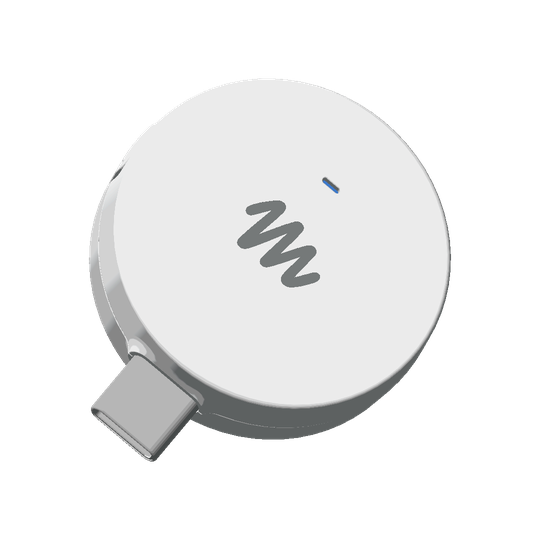
Free with Muse
United States only, one per subscriber. Ships in October, first come, first served.
Claiming holds your place in line; it isn’t an order.
Any USB-C or USB-A power source near your router.
Add it in the Muse app over Bluetooth, then choose your Wi-Fi.
Home Link stays on your network, so Muse can reach your devices.
Community skills teach Muse new tricks.
Community skills
Give your Muse a link to the skills repo and it finds the ones it needs.
community skills, and growing
Skills are built by the community, so they can change or break. Don’t rely on them for anything safety-critical like home security, emergencies, or medical needs.
Build your own
Grab an SDK token and a board, then let Muse Code set up the toolchain, build, and flash it for you. You approve each command before it runs.
git clone https://github.com/facebookincubator/muse-gadget-sdk && cd muse-gadget-sdk/esp32 && muse
macOS or Linux · Get Muse Code
The quickest start is the ESP32-C5 DevKitC-1. Add a screen, a button, audio in and out, or support for a board we haven’t tried yet.
$ muse --disable-sandbox
› Build this firmware for my ESP32-C5 DevKitC-1
  and flash it.
  Setting up ESP-IDF v6.0.1 · building · flashing
› Watch the serial log and tell me when it’s
  ready to pair.
One script installs a service and opens Bluetooth pairing. Read it first, then run it as the account Muse should use.
$ curl -fsSL https://raw.githubusercontent.com/\
    facebookincubator/muse-gadget-sdk/main/linux/install.sh -o install.sh
$ less install.sh   # read it first
$ bash install.sh --sdk-token mgst_…

$ musegadget send-user-msg "The garage door has been open for an hour."
Step 2
Flash an ESP32 with Muse Code, or run the Linux installer on your Pi.
Read the docsStep 3
Turn on Settings › Devices › Developer mode, then tap Add Device.
Get the Muse appProject ideas
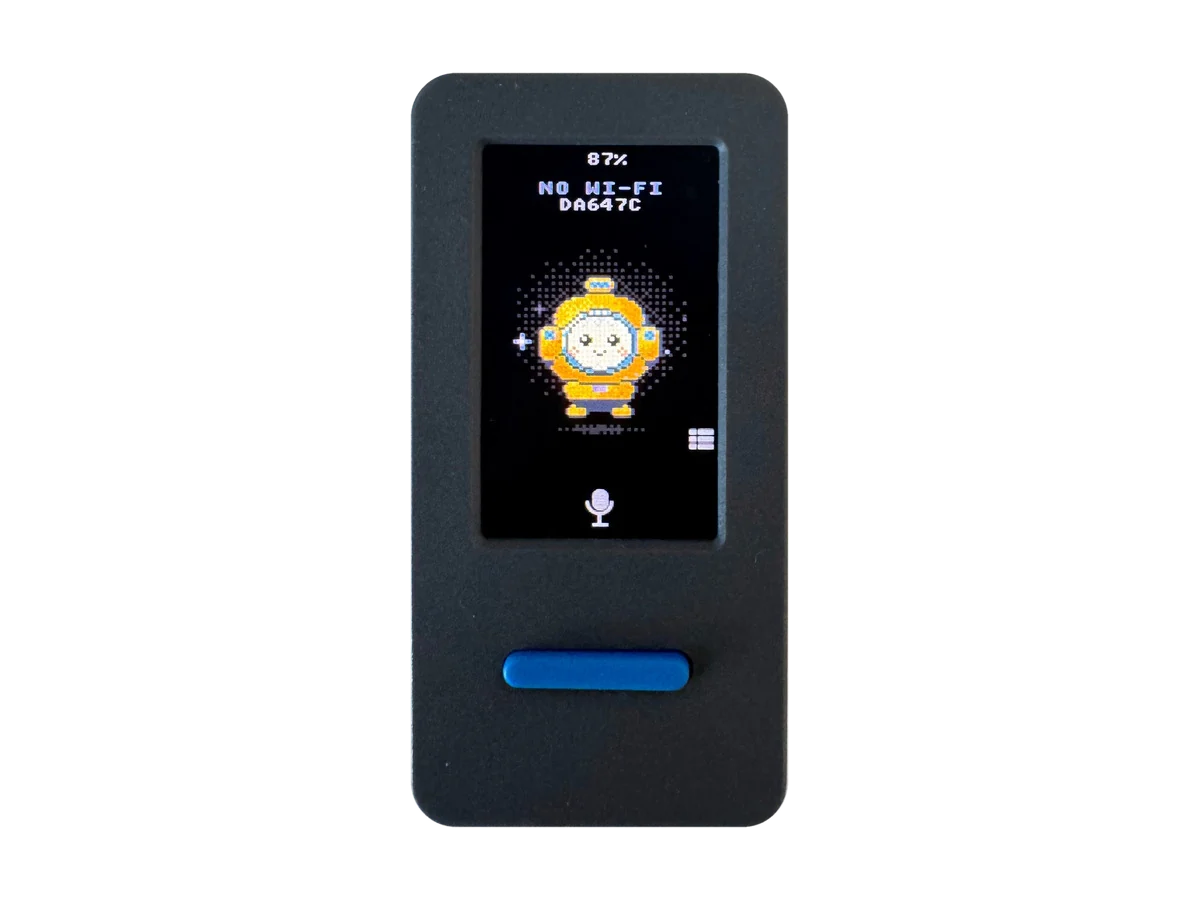
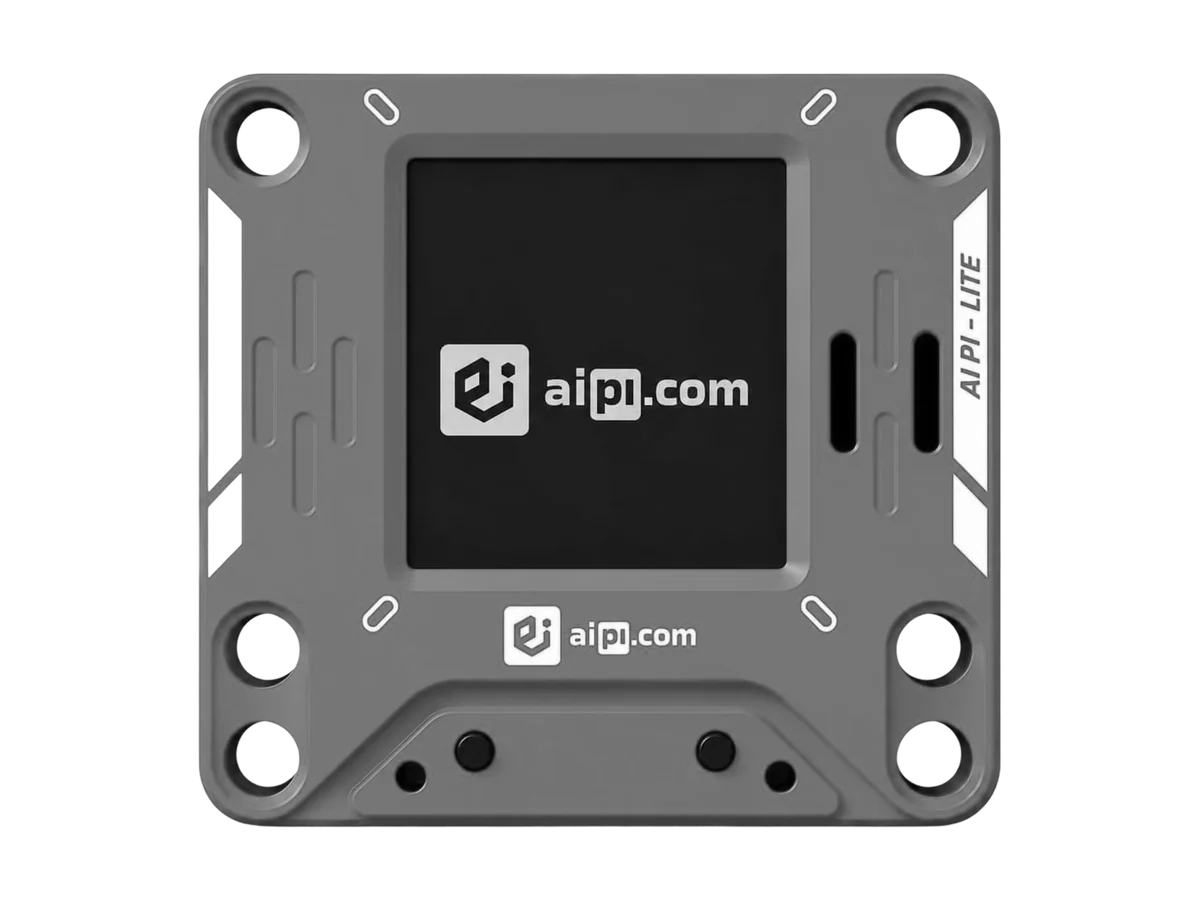
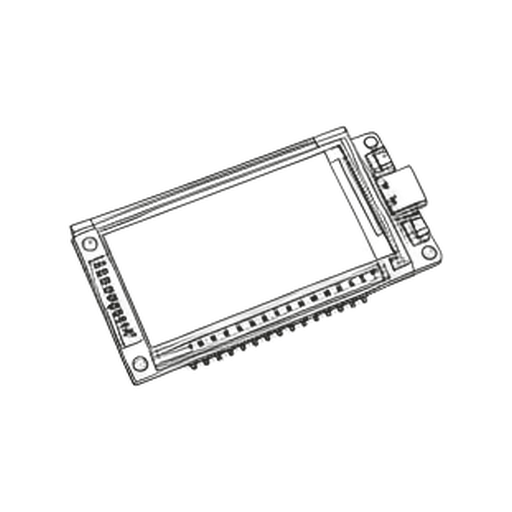
Each one has a working config in the repo. Pick one up, then make it yours.
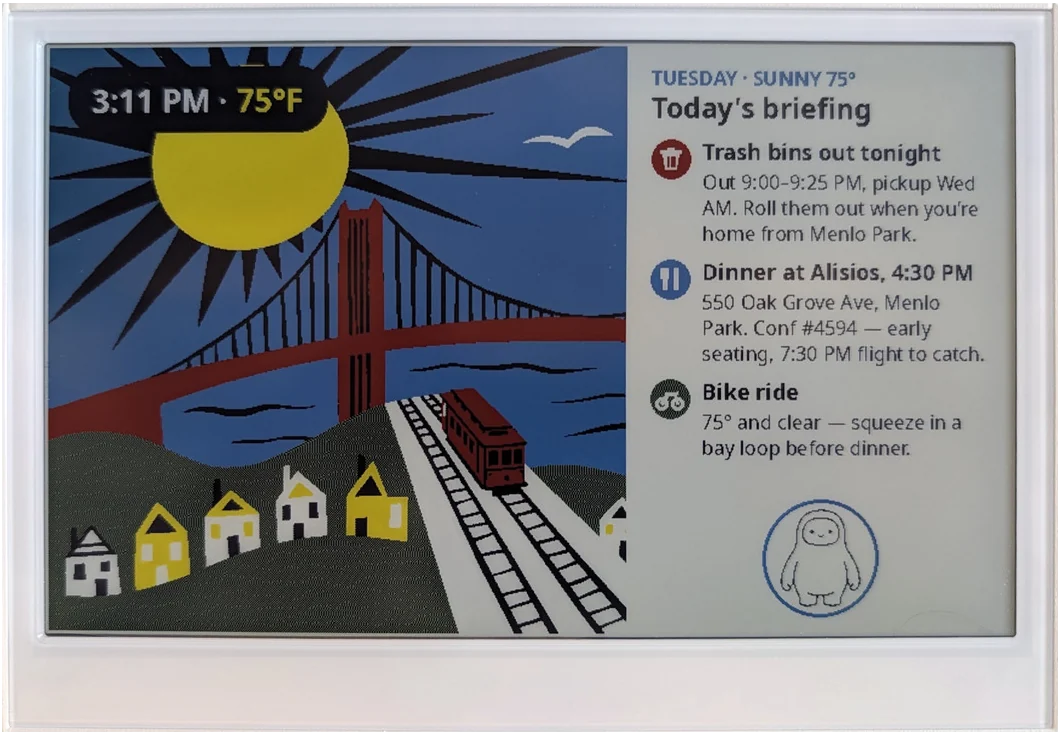
 Coming soon
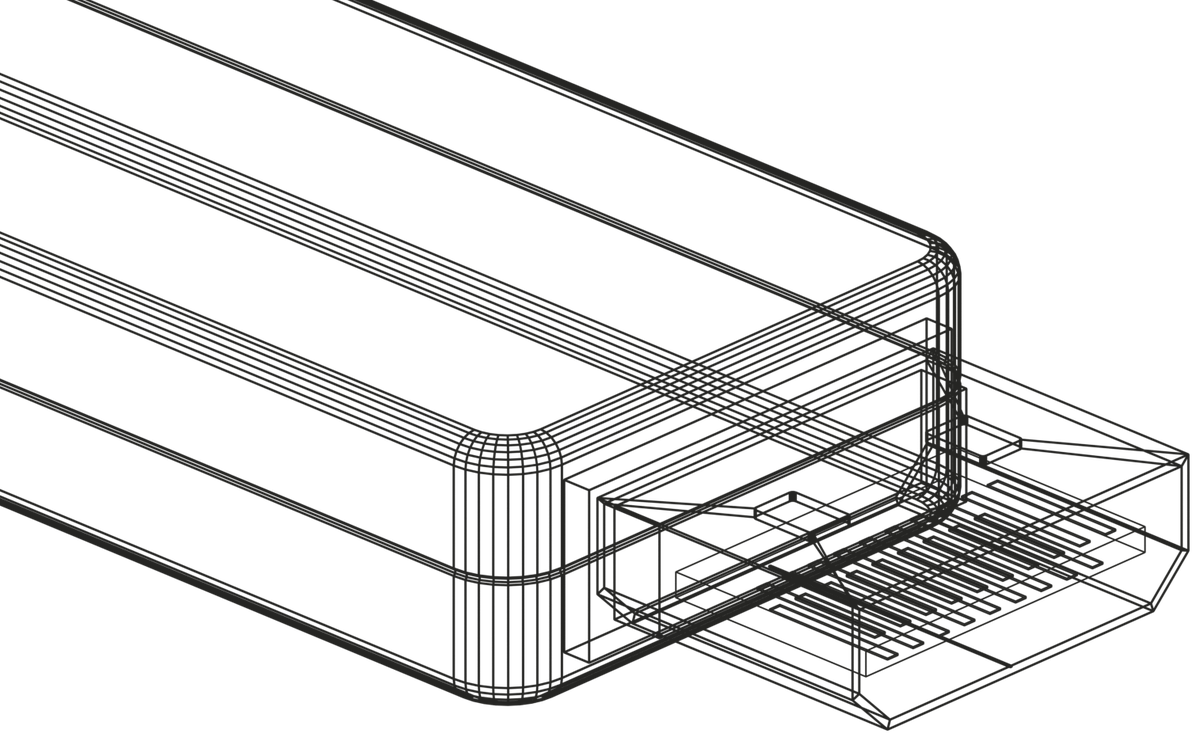
A stick for your TV’s HDMI port: ask Muse to put things on the big screen.
Devices shown here are made and sold by other companies, and Meta doesn’t endorse or warrant them. Names and logos belong to their owners.
Open source
The device SDKs and firmware are open source under Apache 2.0. Use them as a starting point, and send your improvements back.
esp32/Firmware, device configs and a desktop UI simulator.
SDKlinux/A service that turns any Linux box into a Muse gadget.
COMMUNITYskills/Markdown skills for the devices you already own.
Community
Meet other hackers building and customizing Muse gadgets on Discord. Get inspired, help each other, and share what you make.
Share in #projects
We may feature it here, linked to your repo so others can build it.